YouTube Banner Size Guide: Best Dimensions, Resolution, and Design Tips
Your YouTube banner is one of the first things visitors notice when they land on your channel. Using the correct size is essential for a professional first impression across all devices.

Quick overview
Also known as channel art, a banner helps communicate your brand, showcase your content, and create a professional first impression. A poorly sized banner can appear cropped, blurry, or unreadable across different devices.
In this complete guide, you'll learn the recommended banner dimensions, safe area requirements, file specifications, design best practices, and common mistakes to avoid.
Related tool: Use our YouTube Channel Banner Downloader — Download full-resolution YouTube channel banners and channel art.
Why Your YouTube Banner Matters
Your banner serves as the visual header of your channel. It helps visitors quickly understand who you are, what your channel is about, what type of content you create, your upload schedule, and your brand identity.
A professional banner can increase credibility, improve first impressions, strengthen branding, encourage subscriptions, and differentiate your channel from competitors.
Recommended YouTube Banner Size
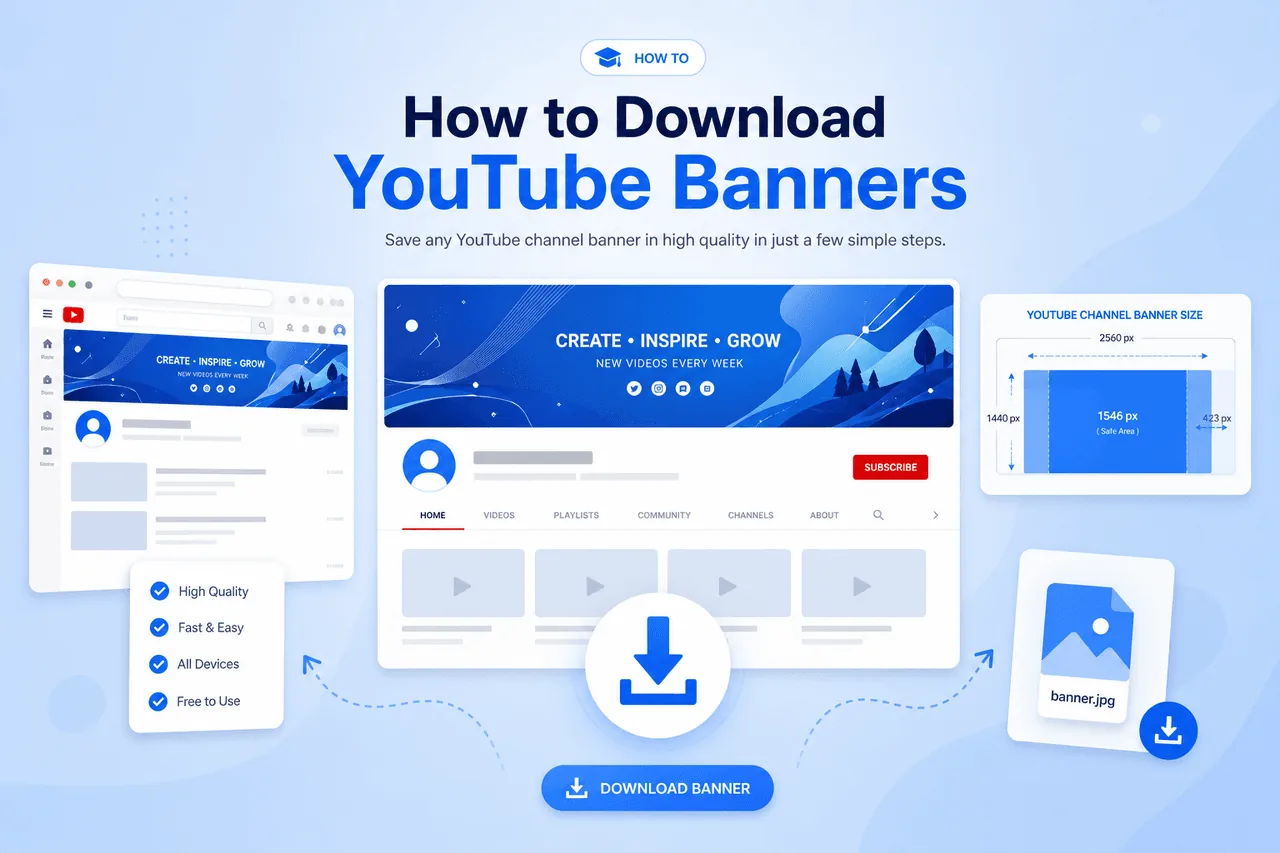
The official YouTube banner size is 2560 × 1440 pixels — the recommended resolution for channel art uploaded to YouTube.
YouTube Banner Specifications
| Requirement | Recommended Size |
|---|---|
| Banner Dimensions | 2560 × 1440 pixels |
| Aspect Ratio | 16:9 |
| Safe Area | 1546 × 423 pixels |
| Maximum File Size | 6 MB |
| Supported Formats | PNG, JPG, GIF, BMP |
Following these specifications ensures your banner displays properly across all devices.
Understanding the YouTube Banner Safe Area
One of the most important concepts in banner design is the safe area — the portion of the banner guaranteed to remain visible on all devices. The safe area dimensions are 1546 × 423 pixels.
Any critical information should remain inside this space, including channel name, logo, slogan, upload schedule, call-to-action text, and social media references. If important content extends outside the safe area, it may be cropped on smaller screens.
How YouTube Banners Display on Different Devices
Unlike profile pictures and thumbnails, banners appear differently depending on screen size.
Desktop & Smart TV
Full banner
Users typically see the largest portion of the banner image.
Tablet
Medium crop
Display falls somewhere between desktop and mobile.
Mobile
Smallest crop
Users see a more limited section — keep key content in the safe zone.
Why 2560 × 1440 Pixels Is the Best Size
High Image Quality
The banner remains sharp on large screens and high-resolution displays.
Better Device Compatibility
The design adapts to desktops, smartphones, tablets, and TVs.
Future-Proof Branding
Higher-resolution graphics continue looking professional as technology improves.
Improved Professionalism
Clear visuals create a stronger impression on channel visitors.
Best File Format for YouTube Banners
PNG is generally the best option because it preserves image quality, produces sharp text, supports transparency, and works well for branding graphics. JPG files are smaller but may lose image quality during compression.
Best Practices for Designing YouTube Banners
The correct dimensions are important, but design quality is equally crucial.
Place channel name, logo, slogan, and key messaging inside the 1546×423 zone.
Always use high-resolution source files to avoid blurry graphics.
Match your logo, profile picture, thumbnails, and social media accounts.
Avoid cluttering your banner with excessive text or graphics.
Common YouTube Banner Mistakes
How Banners Support YouTube Branding
Your banner is a major component of your visual identity. A strong banner helps reinforce branding, improve recognition, build trust, communicate professionalism, and increase subscriber confidence.
When visitors immediately understand what your channel offers, they are more likely to subscribe and explore your content.
Complete YouTube Branding Strategy
A successful YouTube channel requires more than just a banner.
Channel Banner Downloader
Download and analyze channel artwork in high quality for branding research.
Open tool →Profile Image Downloader
Study successful profile pictures and branding strategies from top channels.
Open tool →Thumbnail Downloader
Analyze thumbnail layouts, color schemes, and design techniques.
Open tool →Together, banners, profile pictures, and thumbnails create a complete branding system. See our guide on how to download YouTube banners for step-by-step instructions.
What Makes a Great YouTube Banner?
Successful channel banners typically share clear messaging, professional design, strong branding, readability across devices, and simplicity. Less clutter often leads to a better user experience.
How to Analyze Successful YouTube Banners
One of the easiest ways to improve your own banner is by studying successful examples. Look for patterns in color usage, layout structure, typography, branding consistency, and content positioning.
A YouTube Channel Banner Downloader makes it easier to collect examples and identify design trends within your niche. The goal isn't to copy banners but to understand why they work.
Frequently Asked Questions
What is the best YouTube banner size?
The recommended size is 2560 × 1440 pixels.
What is the YouTube banner safe area?
The safe area is 1546 × 423 pixels — keep all critical content inside this zone.
Why does my banner get cropped?
YouTube displays banners differently on various devices, causing portions of the image to be hidden outside the safe area.
What file format should I use?
PNG is generally the best option for channel banners because it preserves image quality and sharp text.
Can I download YouTube banners?
Yes. A YouTube Channel Banner Downloader can help you save channel banners for research and inspiration.
Can I download other YouTube branding assets?
Absolutely. A YouTube Profile Image Downloader can save channel avatars, while a YouTube Thumbnail Downloader allows users to download video thumbnails.
Ready to Analyze Channel Banners?
Download channel artwork at full resolution from any public YouTube channel — free, no account required.
Try YouTube Channel Banner DownloaderConclusion
Using the correct YouTube banner size is essential for creating a professional and visually appealing channel. The recommended dimensions of 2560 × 1440 pixels ensure your banner looks sharp across desktops, smartphones, tablets, and televisions.
Beyond dimensions, successful banners rely on clear messaging, strong branding, proper use of the safe area, and high-quality design. By studying examples through a YouTube Channel Banner Downloader, analyzing profile images with a YouTube Profile Image Downloader, and reviewing thumbnail strategies using a YouTube Thumbnail Downloader, creators can develop a complete visual branding strategy.
A well-designed banner helps establish credibility, improve first impressions, and contribute to long-term channel growth.